The AI Tutor will answer grounded in this lesson's cited source (portal_guide: GS-103) and key concepts — authority Informational. Not yet enabled.
Signing in and finding your workspace
Everyone signs in at one place: app.trustedaigov.io/login (the Login button on the website takes you there). One account works across the estate — after sign-in the platform routes you to the right home for your role, and the Academy stays linked from your workspace.
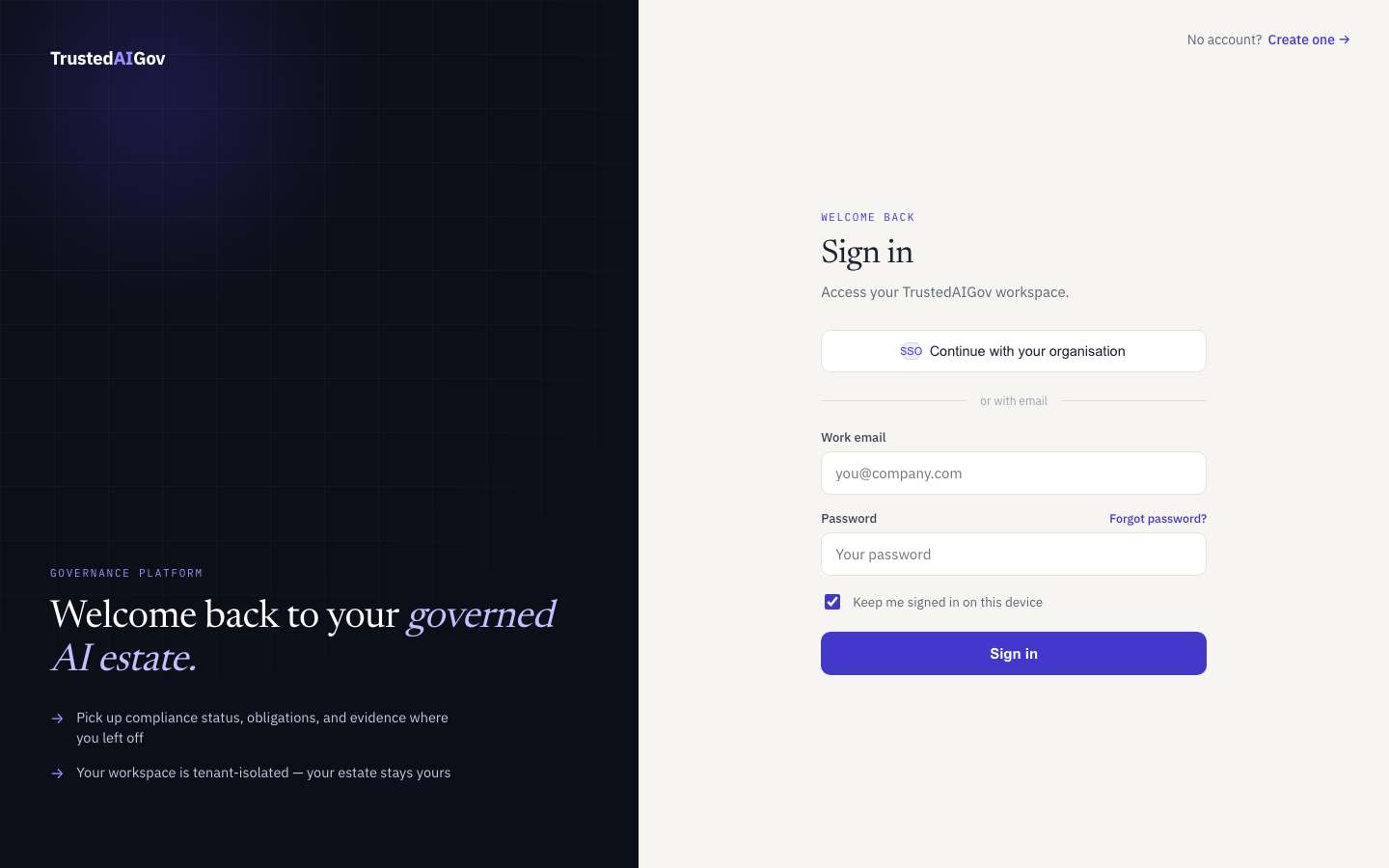
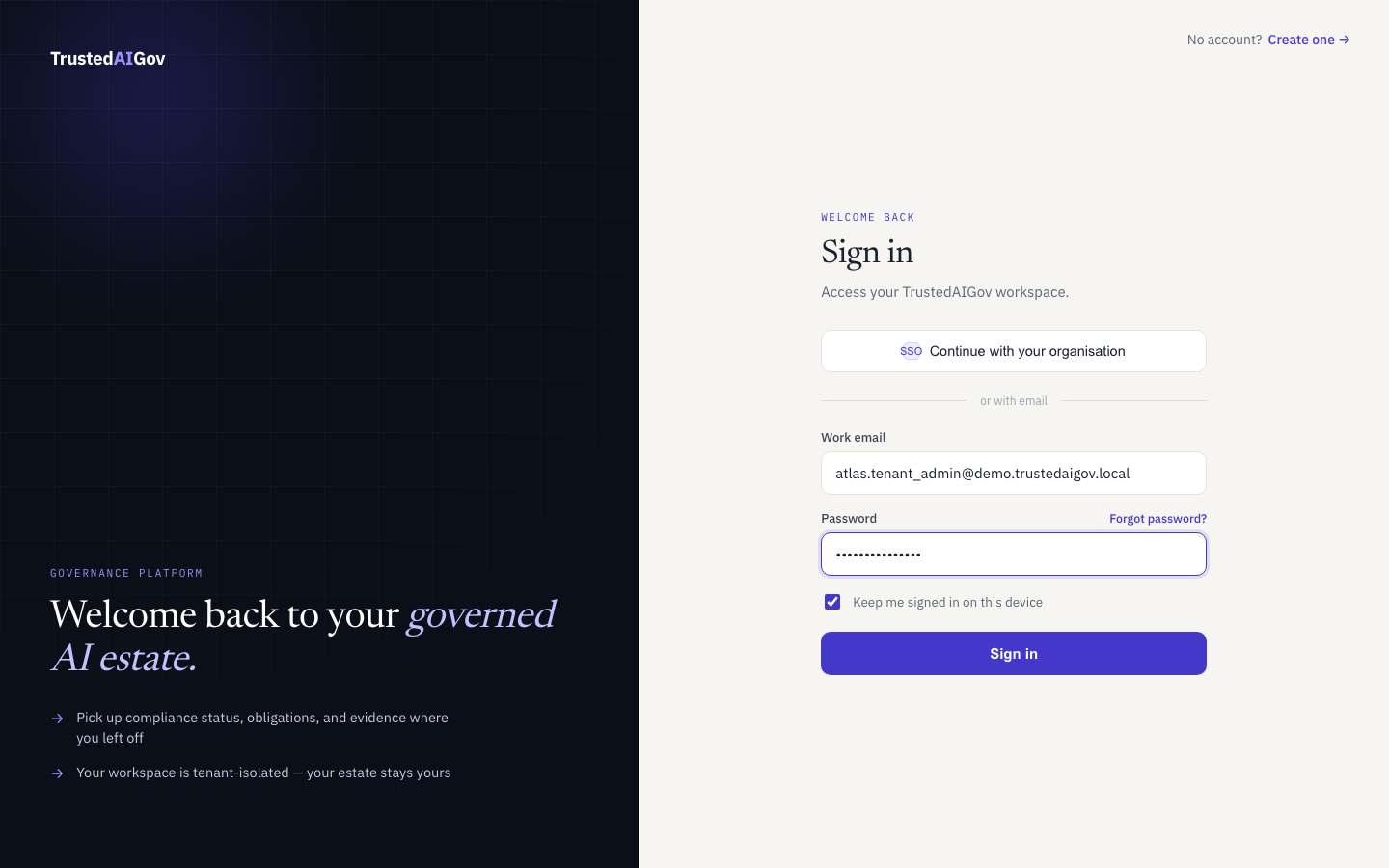
Use the work email your administrator registered. There is a password reset link if you need it, and organisations with single sign-on can use Continue with your organisation.
Your workspace home
After a short welcome flow you land in the governance workspace — your command centre:
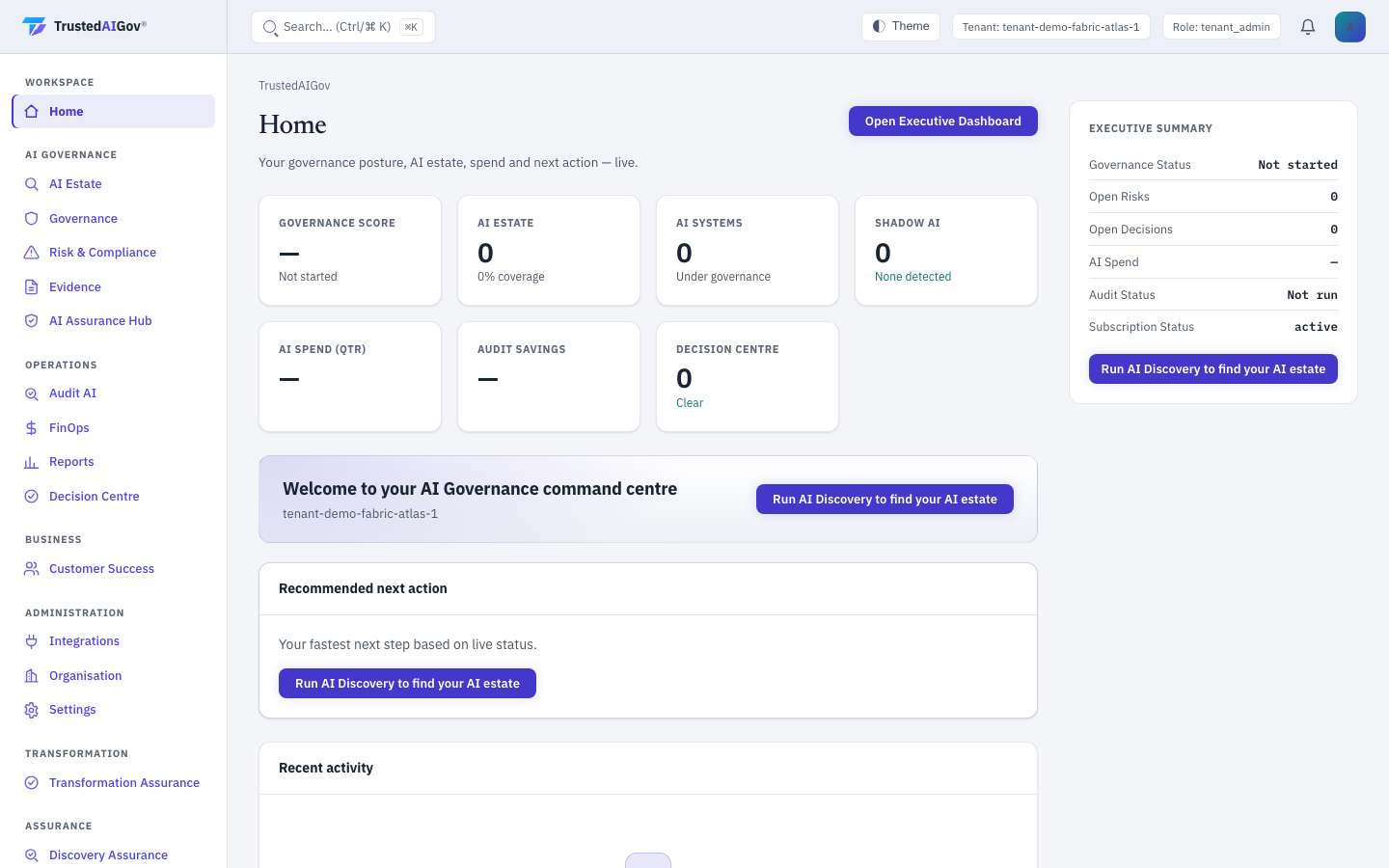
Three things to notice on day one:
- The scorecards — governance score, AI estate coverage, shadow AI, spend and audit posture, live for your tenant.
- The recommended next action — the platform always proposes your fastest useful step; on a fresh tenant that is Run AI Discovery to find your AI estate.
- The left rail — it is a map of what you own. Products you have been granted appear as sections; anything else shows an upgrade notice.
Next: what each section of the workspace actually does.